Best AI Daily Planner Apps in 2026: 8 Apps That Actually Schedule For You
We tested the top AI-powered daily planners to find which ones genuinely save time. Here are the 8 best AI planners for automatic scheduling, time blocking, and focus protection.

The promise of AI planners is simple: stop spending 30 minutes every morning deciding what to do, and let an algorithm figure it out. Some apps deliver on this. Most don't.
We tested the leading AI-powered daily planners to find the ones that actually reduce planning overhead, not just add another app to check.
Disclosure: Keel is our app. We build it, and it sits at #1 here. We still tested every competitor with real work and kept the pros and cons straight; several apps below are better choices for specific workflows, and we say which.
What Makes an AI Planner Worth Using?
True AI planning goes beyond reminders and to-do lists. The best AI planners:
- Auto-schedule tasks: you add a task with a deadline; the AI finds the best time slot
- Protect focus time: block deep work hours and defend them from meeting creep
- Adapt to changes: when a meeting runs over or gets canceled, reschedule affected tasks automatically
- Learn your patterns: suggest morning for creative work if that's when you're most productive
The gap between "AI-assisted" and "AI-powered" is significant. Many apps slap an AI label on basic features. We focused on planners where AI does meaningful scheduling work.
Looking for habit tracking? See our Best Habit Tracker Apps in 2026 for apps focused on building consistent routines.
The Best AI Daily Planner Apps in 2026
At a Glance
| App | Price | Platforms | Best for |
|---|---|---|---|
| Keel | Free (Premium available) | iOS, Web | Planning connected to habits and goals |
| Motion | $29/month (annual) | iOS, Web, Mac, Windows | Fully automatic calendar scheduling |
| Reclaim | Free / Starter from $8/month | Web, Google Calendar, Outlook | Protecting focus time from meetings |
| Sunsama | $20/month (annual) | Web, Mac, Windows, iOS, Android | Intentional, ritual-based daily planning |
| Trevor AI | Free / Pro from $5/month | Web, iOS, Android | Trying AI planning for free |
| Akiflow | $19/month (annual) | Mac, Windows, iOS, Android | Keyboard-first power users |
| Saner AI | Free / Starter from $8/month | Web, iOS, Android | ADHD-friendly, adaptive planning |
| Notion AI | Free / Plus $10/mo + AI add-on $10/mo | Web, Mac, Windows, iOS, Android | Building your own planning system |
1. Keel
Platforms: iOS, Web | Price: Free (Premium available)
Keel is our own app (the disclosure above applies to this entry). It combines AI-powered habit coaching with daily planning: unlike pure schedulers, it connects your daily tasks to longer-term habits and goals, so you're not just planning what to do but why it matters.
The AI Habit Coach helps you troubleshoot when habits aren't sticking, suggests optimal times based on your patterns, and builds personalized routines. The daily planner shows habits and tasks in one unified view, organized by time of day.
What makes it stand out:
- AI Habit Coach: chat-based planning that helps structure your day around what matters
- Goal linking: see which daily actions actually drive progress on bigger goals
- Habits + tasks unified: one view for everything you need to do today
- Bounce-back tracking: measures resilience, not perfection, so missed days don't derail you
Best for: People who want daily planning connected to habit building and long-term goals. If you're tired of apps that optimize your schedule but not your life, Keel bridges that gap.
What's missing: No automatic calendar blocking (tasks are manually scheduled). No Android app yet.
2. Motion
Platforms: iOS, Web, Mac, Windows | Price: $29/month (annual)
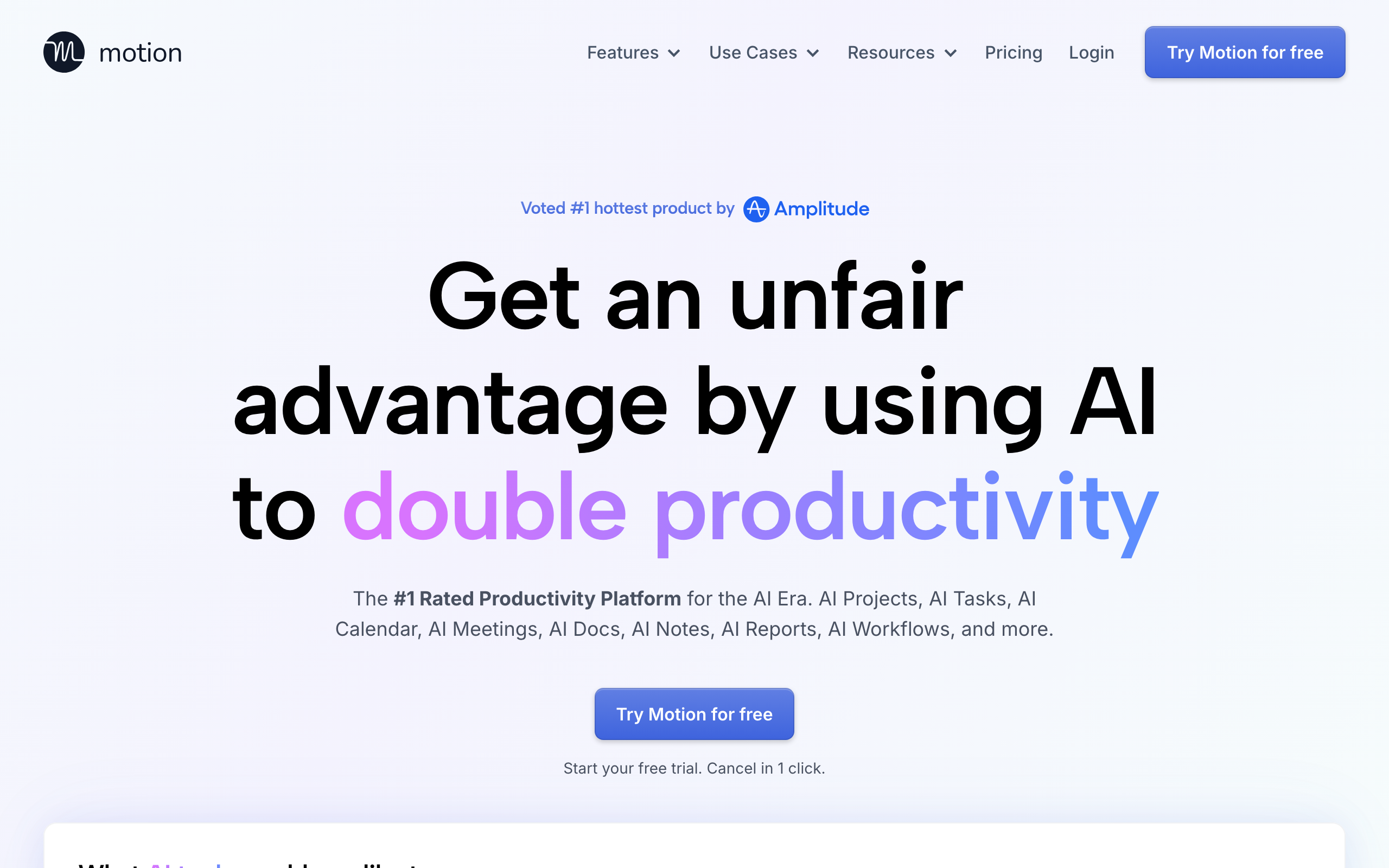
Motion is the most aggressive AI scheduler available. You add tasks with deadlines and estimated durations; Motion builds your calendar automatically. When meetings shift, it reschedules everything in real-time.
For deadline-driven professionals, this genuinely delivers. The cognitive load of deciding when to work on things disappears entirely.
What makes it stand out:
- Fully automatic scheduling: add a task, set deadline, Motion finds the slot
- Real-time rescheduling: calendar changes trigger instant task adjustments
- Project management built-in: team features, task dependencies, workload balancing
- Meeting scheduler: share booking links with AI-optimized availability
Best for: Solo founders, consultants, and anyone whose week involves constant deadline juggling. If you trust AI to own your calendar, Motion delivers.
What's missing: Expensive at $29/month. Limited integrations compared to competitors. Steep learning curve. The aggressive automation can feel intrusive until you calibrate it.
3. Reclaim
Platforms: Web (Chrome extension), Google Calendar, Outlook | Price: Free / Starter from $8/month
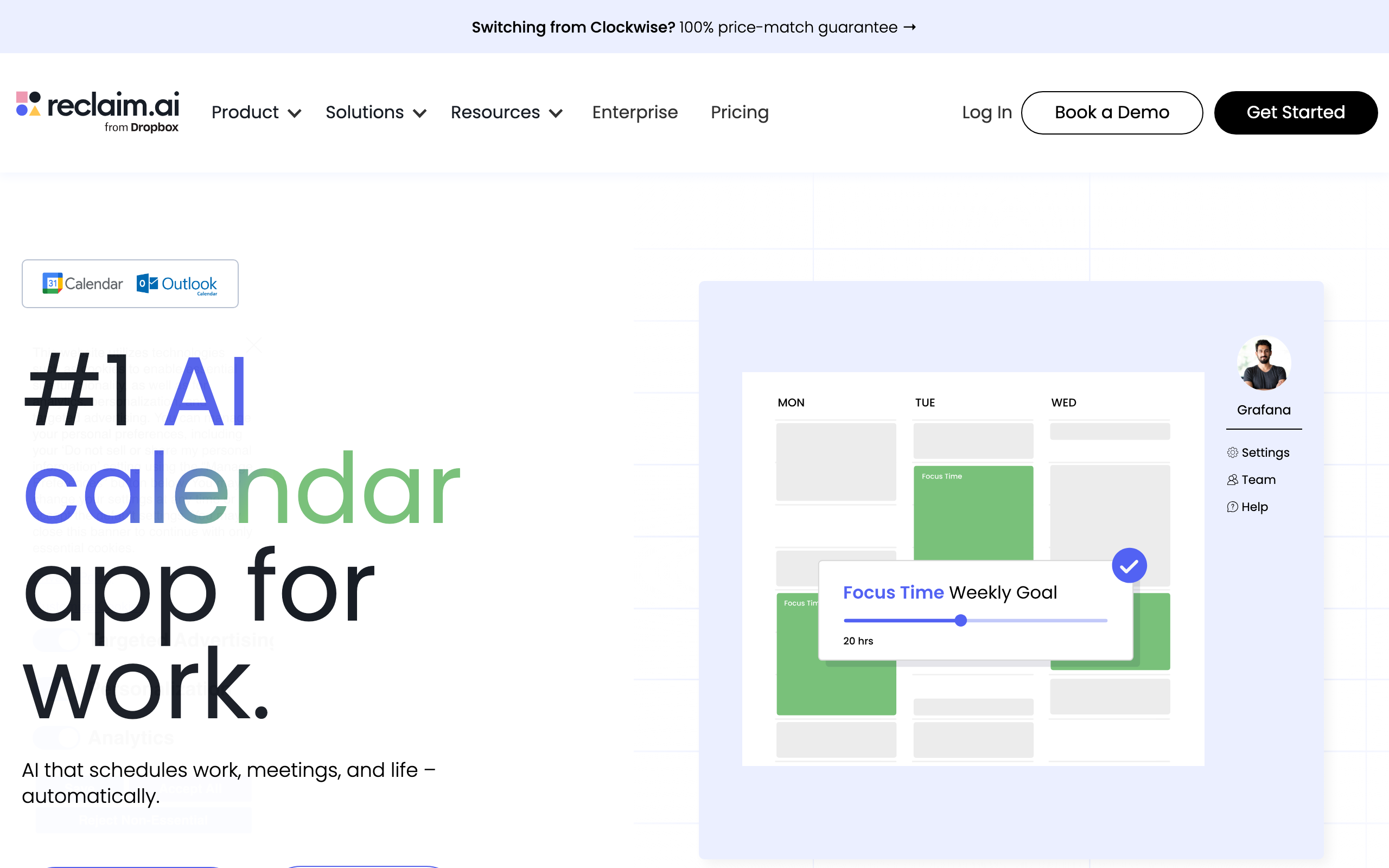
Reclaim takes a different approach: instead of scheduling tasks, it protects time. Set a "Focus Time" goal (say, 3 hours daily for deep work) and Reclaim defends those blocks across your calendar.
The habit scheduling feature automatically finds recurring time for routines like exercise, lunch, or learning. On average, users report saving 7.6 hours per week through smarter scheduling.
What makes it stand out:
- Focus time defense: AI protects deep work blocks from meeting encroachment
- Smart habits: auto-schedule recurring activities (gym, lunch, reading)
- Team coordination: find meeting times that minimize focus fragmentation for everyone
- Generous free tier: core features work without paying
Best for: Knowledge workers drowning in meetings who need to reclaim time for actual work. Especially valuable for teams where everyone's calendar affects everyone else.
What's missing: No native mobile apps. Task scheduling is less sophisticated than Motion. Works best with Google Calendar (Outlook support is newer).
4. Sunsama
Platforms: Web, Mac, Windows, iOS, Android | Price: $20/month (annual) / $25/month (monthly)
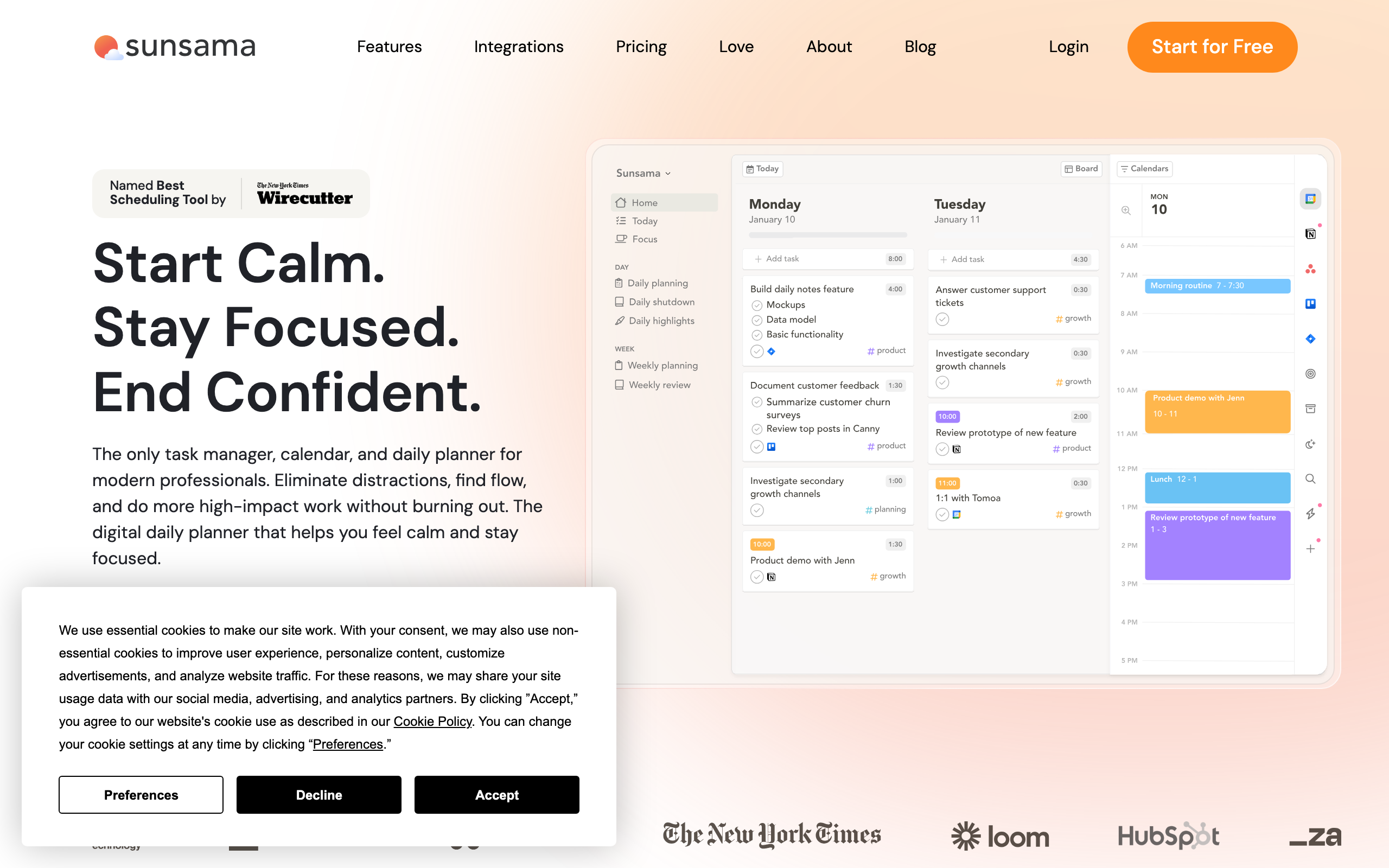
Sunsama is the mindful alternative to aggressive AI scheduling. Instead of automating your day, it guides you through an intentional morning planning ritual: review what's on your plate, decide what's realistic for today, time-block it, then work the plan.
The AI assists rather than controls. The Power Pro plan adds an AI assistant for planning suggestions, but the core value is the ritual itself.
What makes it stand out:
- Guided daily planning: morning ritual to set intentions, evening shutdown to close loops
- Multi-tool aggregation: pull tasks from Asana, Notion, Trello, Gmail, Jira into one view
- Realistic capacity planning: shows time estimates so you don't overcommit
- Beautiful, calm design: intentionally not gamified or anxiety-inducing
Best for: High-performing professionals who want intentionality over automation. If you value ritual and reflection, Sunsama makes planning feel sustainable rather than stressful.
What's missing: Expensive with no free tier. Doesn't auto-schedule tasks. You still decide when to do everything. Mobile apps are limited compared to desktop.
5. Trevor AI
Platforms: Web, iOS, Android | Price: Free / Pro from $5/month
Trevor AI is the most accessible AI planner. A genuinely usable free tier, a clean interface, and a focused premise: drag your to-do list into your calendar, assisted by AI that suggests optimal times.
Users report an 85% task completion rate, significantly better than traditional to-do lists. The AI learns your patterns and suggests scheduling based on when you actually get things done.
What makes it stand out:
- Excellent free tier: most AI features work without paying
- Simple drag-and-drop: tasks to calendar in seconds
- AI scheduling suggestions: recommends times based on your patterns
- Google/Microsoft sync: real-time calendar integration
Best for: Anyone wanting AI-assisted planning without commitment. Great entry point if you're curious about AI schedulers but not ready for Motion's price or complexity.
What's missing: Less powerful than Motion or Reclaim for complex workflows. AI suggestions are helpful but modest. Desktop experience is better than mobile.
6. Akiflow
Platforms: Mac, Windows, iOS, Android | Price: $19/month (annual) / $34/month (monthly)
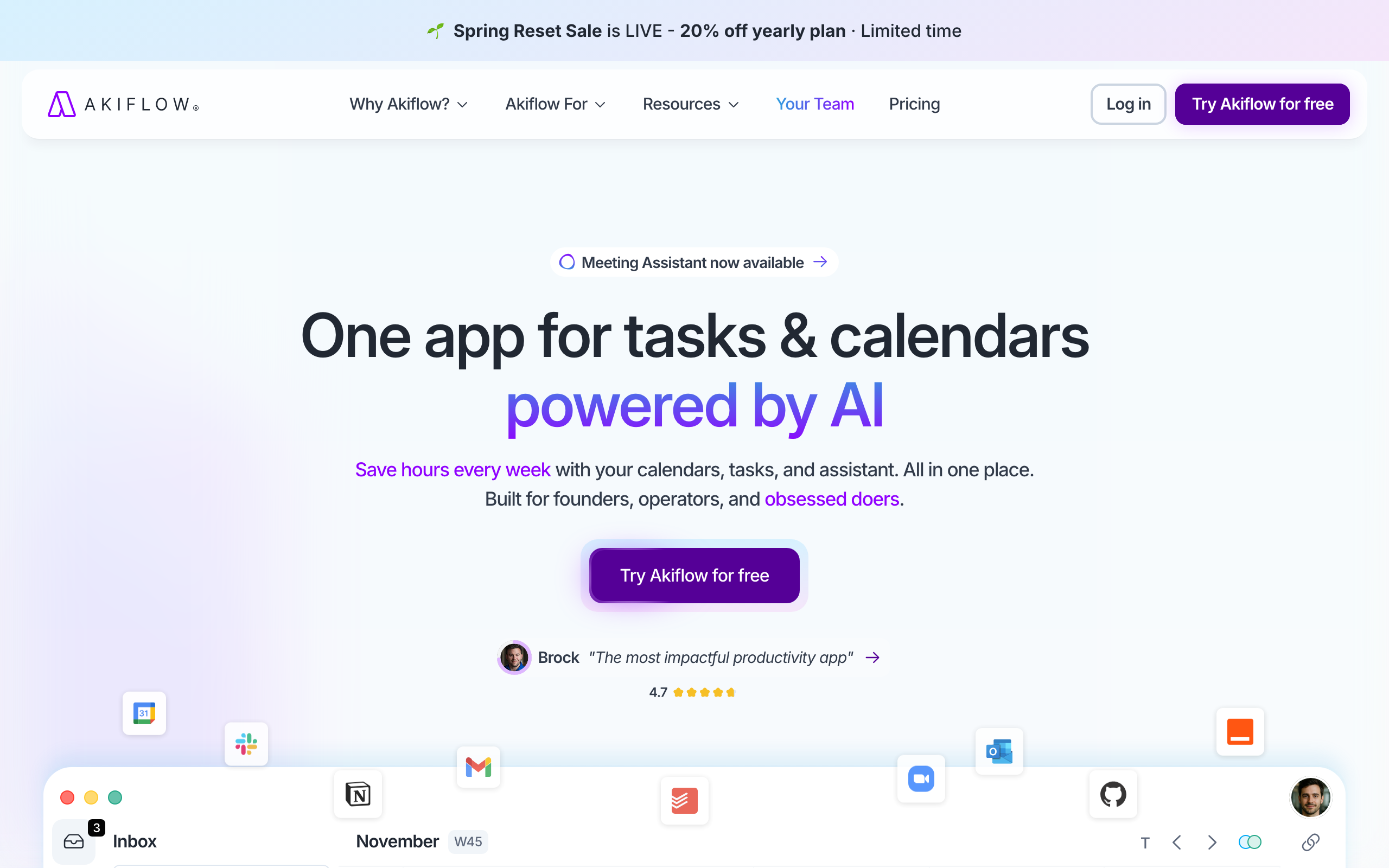
Akiflow is built for keyboard warriors. Nearly every action has a hotkey, and the Command Bar lets you create, schedule, and snooze tasks without touching your mouse. The universal inbox pulls tasks from 30+ apps (Slack, email, Notion, Linear, GitHub) into one prioritized list.
The AI assistant "Aki" uses natural language: ask "what's my day look like?" and it reads your schedule back. Useful for quick queries without opening the full app.
What makes it stand out:
- Universal task inbox: aggregates from 30+ tools
- Keyboard-first design: fast for power users who hate mice
- Natural language AI: ask Aki questions about your schedule
- Time blocking: drag tasks to calendar with estimated durations
Best for: Power users who live in Slack, email, and project management tools and want everything in one place. If you're already keyboard-centric, Akiflow fits that workflow.
What's missing: Expensive, especially monthly. Doesn't auto-schedule. You still drag tasks manually. Mobile apps are underdeveloped compared to desktop.
7. Saner AI
Platforms: Web, iOS, Android | Price: Free / Starter from $8/month
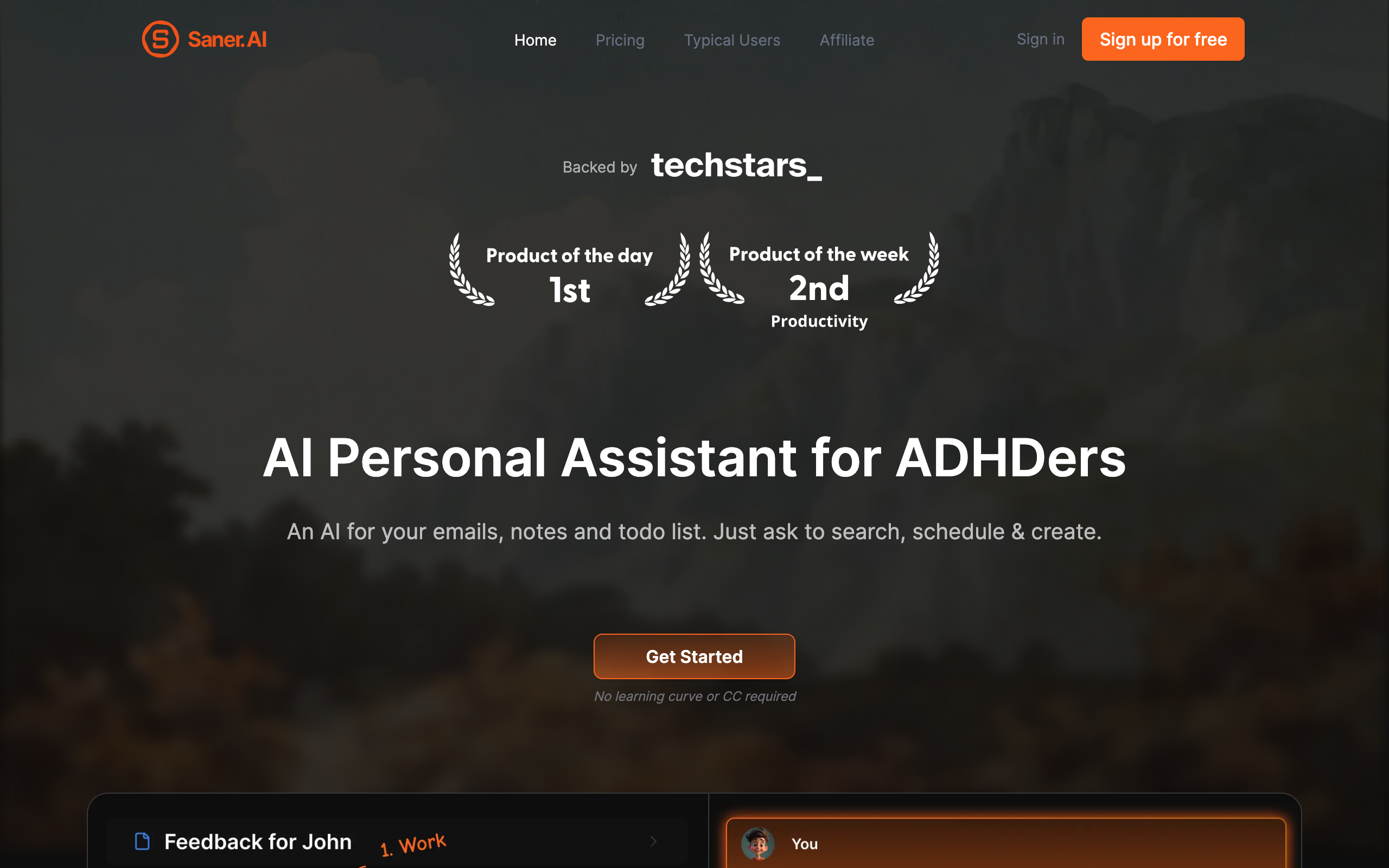
Saner AI was built specifically for people with ADHD, but its approach works for anyone who struggles with traditional productivity systems. It combines notes, tasks, and calendar into one AI-powered workspace that adapts to how you actually think.
The Focus Mode minimizes distractions, and the AI helps prioritize tasks based on your energy levels and patterns rather than arbitrary deadlines.
What makes it stand out:
- ADHD-friendly design: built around how scattered brains actually work
- Notes + tasks + calendar unified: everything in one place
- Adaptive prioritization: AI learns your patterns and adjusts recommendations
- Focus Mode: minimizes distractions when you need to concentrate
Best for: People who've bounced off traditional planners. If Notion feels overwhelming and to-do apps feel too rigid, Saner offers a middle ground.
What's missing: Mobile apps have reliability issues (2.4 stars on Google Play vs 4.8 on Product Hunt). Still maturing compared to established competitors.
8. Notion AI
Platforms: Web, Mac, Windows, iOS, Android | Price: Free / Plus $10/month / AI add-on $10/month
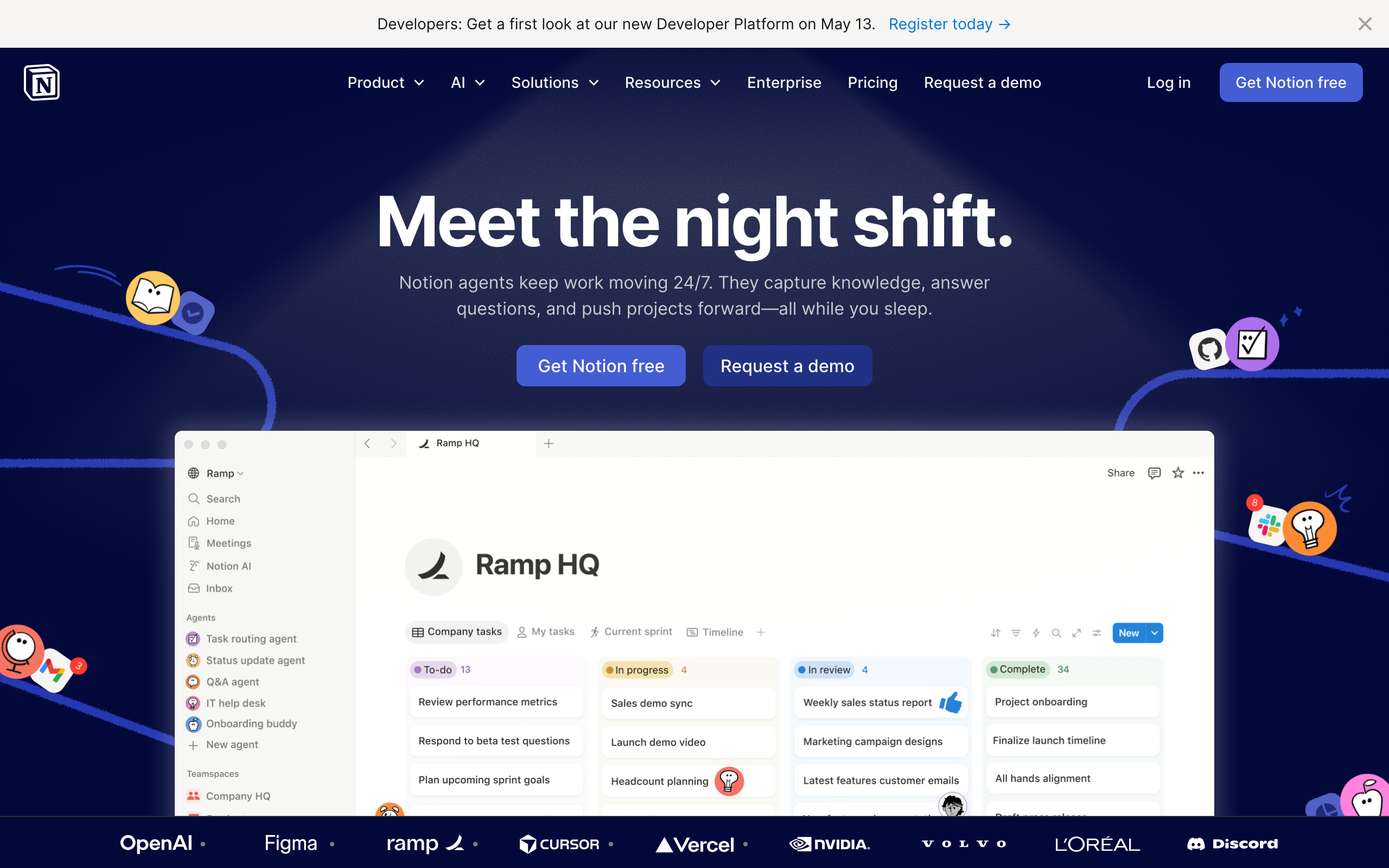
Notion is a workspace rather than a dedicated planner, but you can build any planning system you want in it. With Notion AI, you can ask it to create daily schedules, prioritize tasks, summarize meeting notes, and generate action items.
The flexibility is unmatched, but so is the setup time. This is for people who enjoy building their own systems.
What makes it stand out:
- Complete flexibility: build exactly the planning system you need
- AI assistant: ask questions, generate schedules, summarize content
- All-in-one workspace: notes, docs, databases, projects, planning
- Massive template ecosystem: start from proven setups
Best for: Power users who want total control and enjoy system-building. If you already use Notion for other things, adding AI planning keeps everything unified.
What's missing: Setup is a project itself. Mobile app is sluggish for quick daily check-ins. AI costs extra ($10/month on top of Plus plan). Not a grab-and-go solution.
How We Evaluated These Apps
We tested each app for at least two weeks with real work, evaluating:
- Scheduling intelligence: does the AI actually make good decisions about when to work on things?
- Time saved: does it reduce planning overhead, or add friction?
- Adaptation: when plans change, does the app help or create more work?
- Learning curve: can you get value immediately, or does it take weeks to configure?
- Price-to-value: is the AI worth the premium over simpler tools?
Which AI Planner Should You Choose?
If you want planning connected to habits and goals: Keel. Daily planning meets habit coaching with AI assistance.
If you want full calendar automation: Motion. Set deadlines, let AI handle when.
If you need to protect focus time from meetings: Reclaim. Best for knowledge workers on meeting-heavy teams.
If you value ritual over automation: Sunsama. Guided daily planning without aggressive AI control.
If you want to try AI planning for free: Trevor AI. Most accessible entry point.
If you live in keyboard shortcuts: Akiflow. Power-user aggregator for complex tool stacks.
If traditional planners don't work for you: Saner AI. ADHD-friendly, adaptive approach.
If you want to build your own system: Notion AI. Maximum flexibility for those who enjoy setup.
The Real Question: Do You Need AI Planning?
AI planners shine when you have:
- More tasks than time slots
- Deadlines that frequently shift
- Meetings that regularly disrupt your day
- Multiple tools generating tasks (email, Slack, project management)
If your days are relatively predictable, a simple to-do list might serve you better. AI scheduling adds the most value when your calendar is chaotic and you're spending significant time just deciding when to do things.
For most people, starting with a free tier (Trevor, Reclaim, or Saner) makes sense before committing to Motion's $29/month or Sunsama's ritual-first approach.
The best planner is still the one you'll actually use. Try two or three, give each a week, and trust your gut about which one reduces stress rather than adding it.