10 Best Self Improvement Apps in 2026
A hands-on look at the best self improvement apps that actually change behavior — not just your screen time. Habits, meditation, journaling, focus, and more.

There are hundreds of self improvement apps. Most of them are designed to keep you opening the app. The push notifications, the streaks, the badges, the "you're on fire!" animations: they're engagement mechanics, not improvement mechanics.
The best self improvement apps do the opposite. They help you build a practice, show you something useful about your own behavior, and then get out of the way. The worst ones make you feel productive while you're using them and leave nothing behind when you stop.
We spent time with the most popular options across habits, meditation, journaling, focus, and learning. Here are the 10 that actually change something.
Disclosure: Keel is our app. We build it, and it leads this list. Everything else here we tested as regular users, and we've kept the trade-offs honest: for meditation, journaling, focus, and mood tracking, other apps on this list are the better pick, and we say so.
How We Evaluated
We didn't just look at feature lists. We asked one question about each app: does this actually change your behavior, or does it just feel like it does?
A few things that followed from that:
- Does it survive a bad week? The real test of a self improvement app is what happens when you miss three days. Does it guilt you? Reset your progress? Or help you come back?
- Is the free tier honest? "Free" means nothing if the app cripples itself until you pay. We looked for apps where the free version is a real product.
- Does it connect daily actions to actual outcomes? Tracking habits in isolation is easy. Knowing which habits actually move your life forward is the hard part, and almost no app tries.
- Can you stop using it eventually? The best tools teach you something. The worst ones create a dependency you didn't have before.
The Best Self Improvement Apps
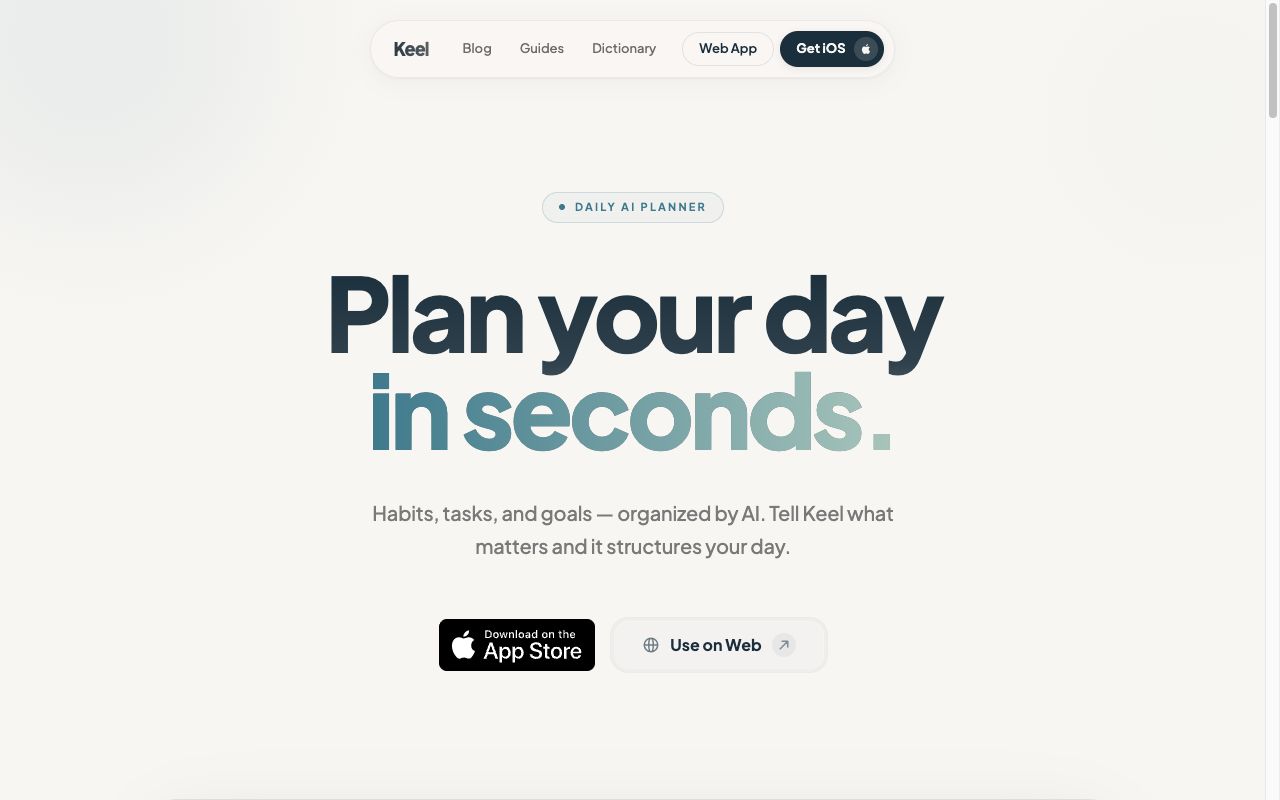
1. Keel: Best for Building Habits That Last
Platforms: iOS, Web | Price: Free
Every other habit tracker counts streaks. Hit 30 days, feel amazing. Miss day 31, watch the counter reset to zero, feel like you failed. It's a terrible feedback loop that punishes exactly the people who need the most encouragement.
Full transparency: Keel is our own app (see the disclosure above). It replaces streaks with your bounce-back rate: how quickly you return to a habit after missing a day. This sounds like a small change, but it completely reframes the experience. Missing a day is a data point, not a failure. What matters is whether you come back, and research backs this up [1].
The other thing Keel does that almost no competitor attempts: it lets you link habits to goals, so "I meditate daily" becomes "I meditate daily because it's connected to my goal of managing anxiety." When you can see which habits actually drive the outcomes you care about, you stop tracking habits that don't matter.
What stands out:
- Bounce-back rate as the primary metric: measures resilience, not perfection
- Goal linking: see which habits actually move the needle on what you care about
- AI Habit Coach: helps you plan your day and troubleshoot when habits aren't sticking
- Flexible scheduling: daily, specific days, time-of-day blocks, or exact times
- No habit limits, no paywall on core features
Best for: People who've tried streak-based apps and found them stressful. If you've ever abandoned a habit tracker because you "ruined" your streak, Keel is built specifically for you.
What's missing: No Android app yet (the web app works on any device). No social or accountability features.
2. Headspace: Best for Meditation
Platforms: iOS, Android, Web | Price: $12.99/mo or $69.99/yr (free for teens 13–18)
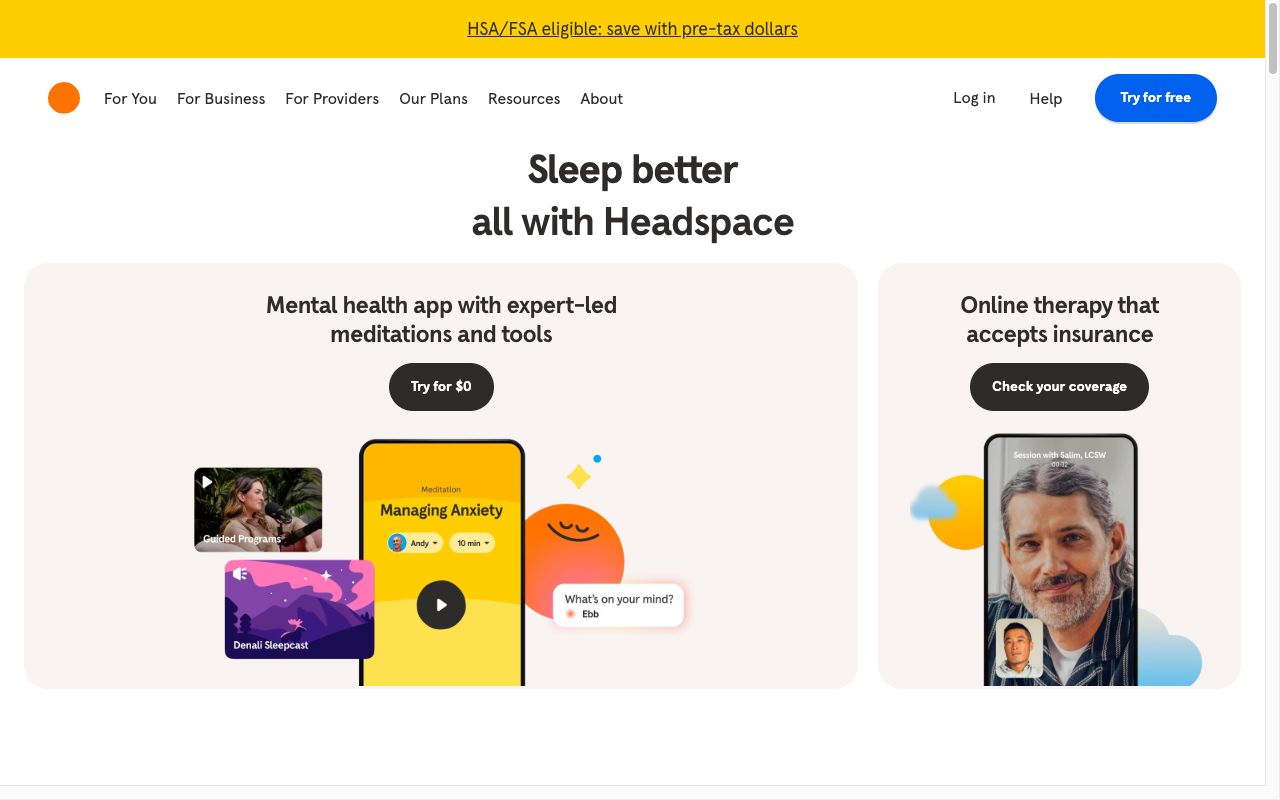
Most meditation apps hand you a library of sessions and say "good luck." Headspace is the opposite. It's structured like a class. You start with the basics, work through multi-session courses, and build on techniques over time. For meditation beginners, this structure is the difference between a practice that sticks and one that fizzles after a week.
The sleep content is also genuinely good. Their sleepcasts (ambient audio stories designed to be boring enough to fall asleep to) work better than they have any right to.
What stands out:
- Progressive courses that actually teach meditation, not just guide you through sessions
- Sleep content that's among the best available (sleepcasts, wind-down exercises)
- Focus music designed for deep work
- Clean, calming design that reduces friction
Best for: Beginners. If you've tried meditating on your own and couldn't make it stick, the course format gives you something to follow instead of sitting there wondering if you're doing it right.
What's missing: Expensive, and there's no real free tier, just a 7-day trial. You're essentially paying $70/yr for guided audio. If you already know how to meditate, you don't need this.
3. Insight Timer: Best Free Meditation App
Platforms: iOS, Android, Web | Price: Free (Premium: $9.99/mo or $59.99/yr)
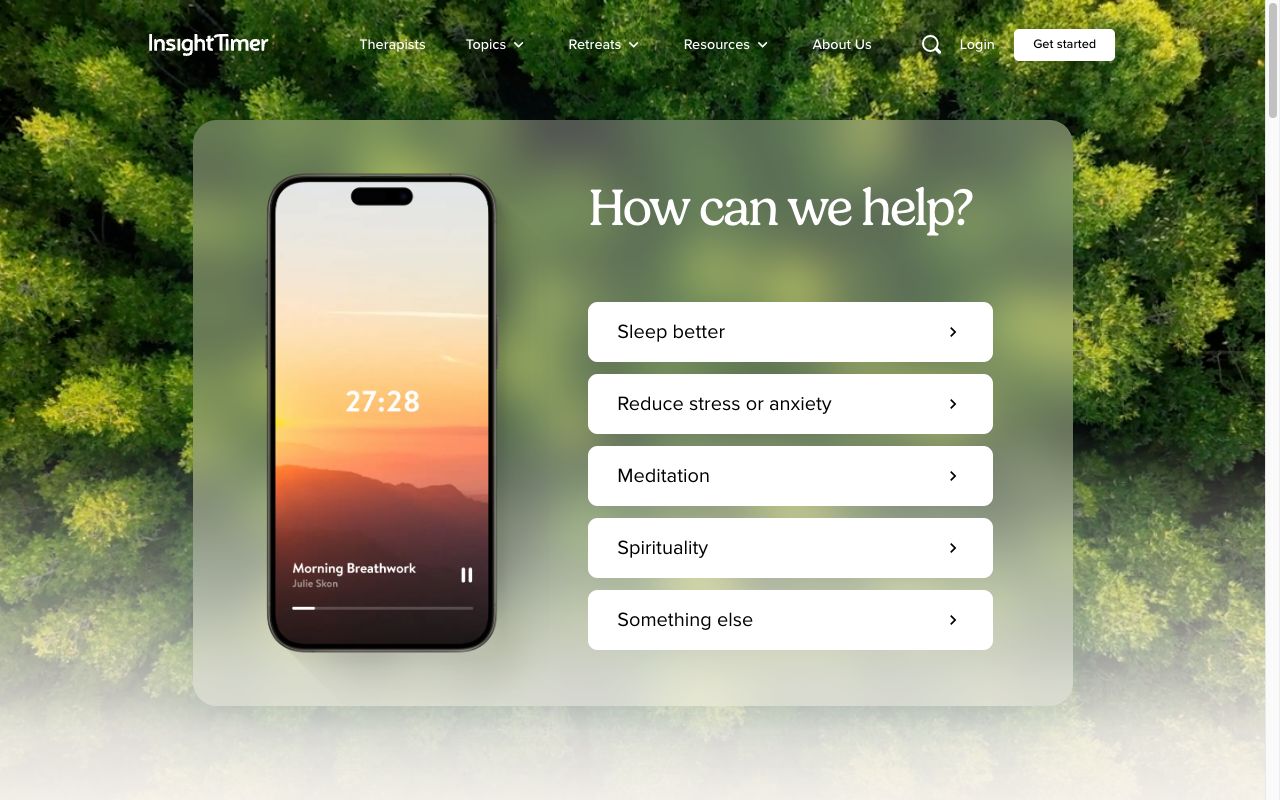
If Headspace is a structured class, Insight Timer is a vast, slightly chaotic library. Over 100,000 guided meditations from thousands of teachers (monks, therapists, sleep specialists, breathing coaches), and the overwhelming majority are completely free.
The trade-off is real: you need to know what you're looking for. There's no curriculum. No "start here" path. You'll find incredible 10-minute sessions buried next to mediocre ones. But if you already have a meditation practice and just want variety, nothing else comes close in depth or value.
What stands out:
- Largest free meditation library available: genuinely free, not "free trial"
- Teachers range from clinical psychologists to Buddhist monks
- Meditation timer with ambient sounds for unguided practice
- Community features (groups, live events, milestones)
Best for: Anyone who already meditates and wants variety without a subscription. Also great if you want to explore different traditions (Vipassana, loving-kindness, breathwork, body scans) without committing to one app's methodology.
What's missing: Overwhelming volume with no curation. Quality varies wildly across teachers. No structured courses on free tier. If you're a beginner, the lack of guidance can be paralyzing.
4. Finch: Best for Mental Health and Self-Care
Platforms: iOS, Android | Price: Free (Finch Plus: $9.99/mo or $69.99/yr)
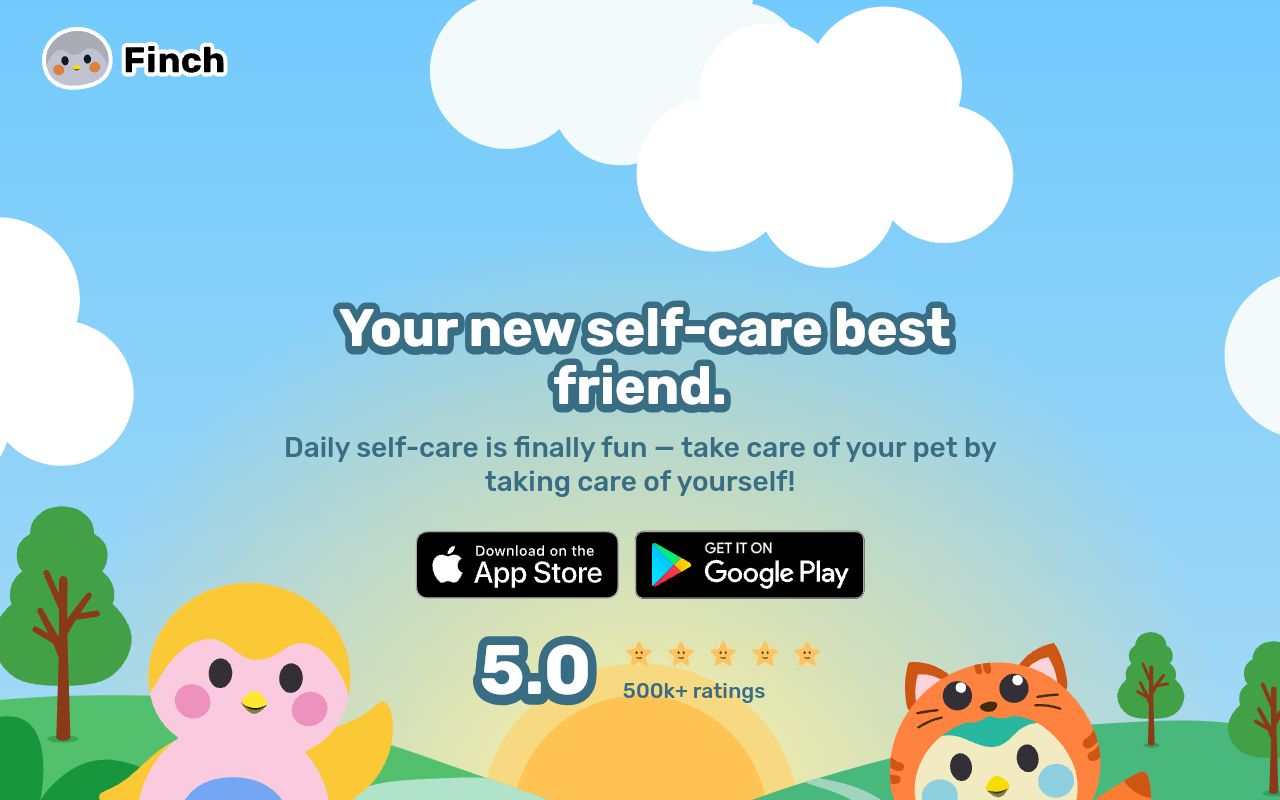
Finch is a virtual pet that you nurture by taking care of yourself. Breathe for two minutes, your bird grows. Journal a gratitude entry, your bird goes on an adventure. It sounds like it shouldn't work for adults, but it does, because Finch solves a problem that most productivity apps create.
Most self improvement apps assume you're motivated and just need a system. Finch assumes you might be struggling and need something gentle. There's no streak counter. No "you missed yesterday!" notification. Just a small bird that's happy to see you whenever you show up. For people dealing with anxiety, depression, or just a rough stretch, that tone makes all the difference.
The core app is completely free with no ads, one of the most generous free tiers on this list.
What stands out:
- Non-judgmental design that meets you where you are
- Covers multiple self-care areas: mood tracking, journaling, breathing, habit goals
- Completely free core experience, no ads
- Virtual pet provides gentle motivation without punishment mechanics
Best for: Anyone who finds traditional productivity apps overwhelming or guilt-inducing. Especially good during periods of low motivation, anxiety, or depression, when a streaks-based app would make things worse.
What's missing: Limited analytics. The virtual pet framing won't click for everyone. No web version.
5. Day One: Best for Journaling
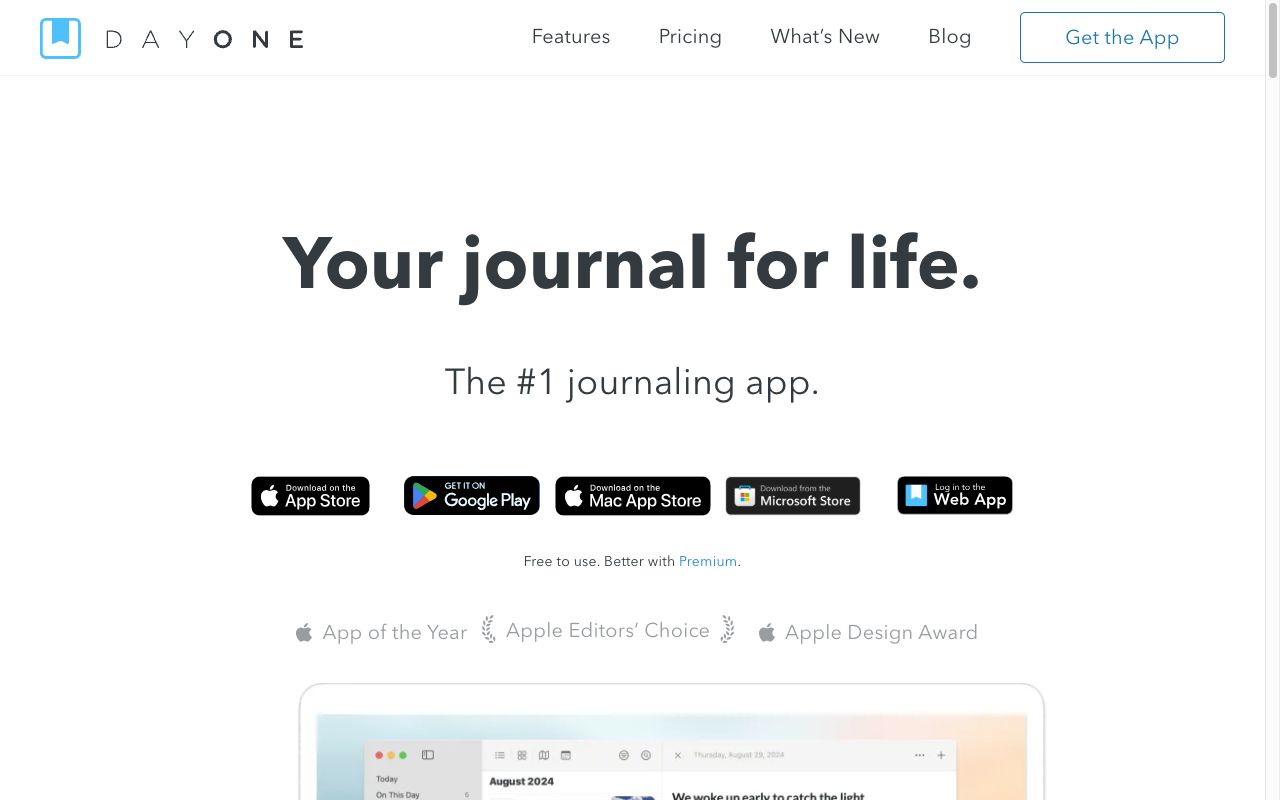
Platforms: iOS, Android, Mac, Web, Apple Watch | Price: Free (Premium: $34.99/yr iOS, $24.99/yr Android)
Day One has been around since 2011 (it won a Mac App of the Year award from Apple in 2012 [3]) and it still feels like the most thoughtful journaling app available. The key insight: a journal entry isn't just text. It's photos, audio, weather, location, what music you were listening to, drawings. Day One captures all of that and makes it easy.
The feature that makes long-term use rewarding is "On This Day." A year into journaling, you start getting daily reminders of what you were thinking and doing on this date last year, two years ago, five years ago. It turns a journal from a write-only tool into something you actually revisit.
What stands out:
- End-to-end encryption
- Rich media support (photos, video, audio, sketches, location, weather)
- "On This Day": resurfaces past entries for reflection
- Daily prompts and templates to reduce blank-page anxiety
- Available on basically every platform
Best for: People who want a real journal, not a notes app with a journal skin. The "On This Day" feature alone makes this worth committing to long-term.
What's missing: Free tier is limited to one photo per entry and a single device (no sync). Premium unlocks the full experience but it's a yearly subscription for what is essentially a notebook.
6. Daylio: Best for Mood Tracking
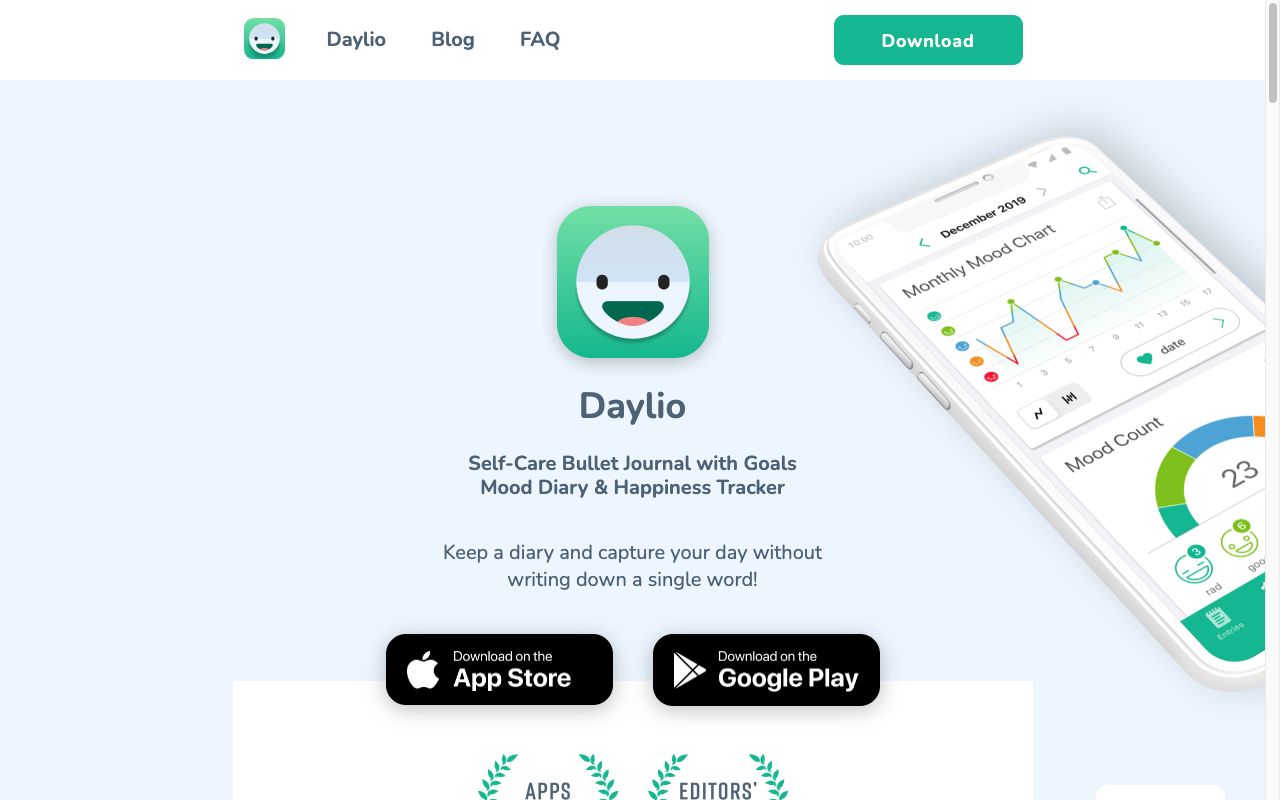
Platforms: iOS, Android | Price: Free (Premium: $4.99/mo, $35.99/yr, or $59.99 lifetime)
The biggest barrier to journaling is writing. Daylio removes it entirely. You open the app, tap a face that matches your mood, select icons for what you did today (exercise, socializing, cooking, working) and you're done in 20 seconds.
What makes this useful is what happens over weeks and months. Daylio starts showing you correlations. You're consistently happier on days you exercise. Your mood dips every Sunday evening. You feel better when you cook than when you order takeout. These are patterns you can't see in real time but they become obvious in the charts.
What stands out:
- No writing required: just tap your mood and select activities
- Reveals correlations between activities and emotional states
- Beautiful charts showing mood trends over weeks and months
- 20-second daily entries: low enough friction that you actually do it
- Strong free tier, plus a lifetime purchase option ($59.99)
Best for: People who want the insights of journaling without the effort of writing. Especially useful for anyone trying to understand what actually affects their mood versus what they think affects it.
What's missing: Tap-only input sacrifices nuance. You can't capture why you feel a certain way. No web version. Advanced statistics need Premium.
7. Forest: Best for Focus and Screen Time
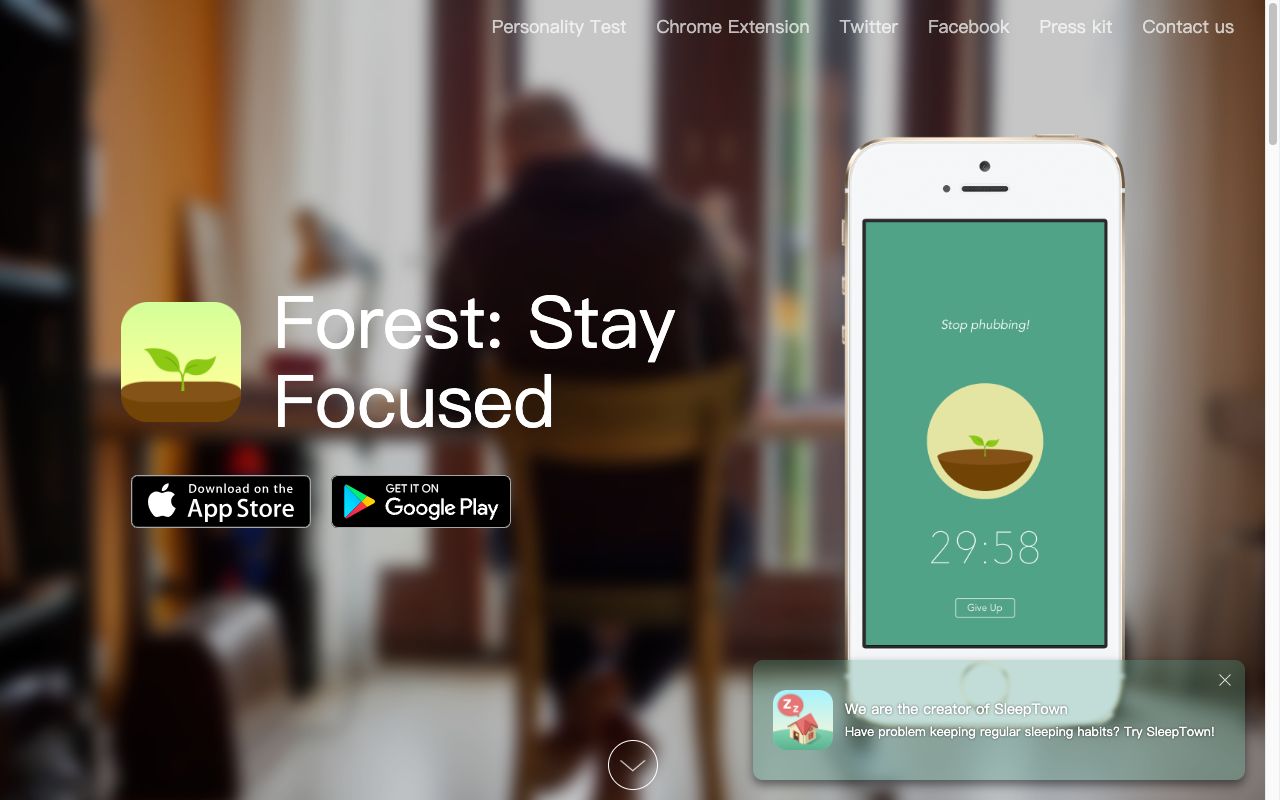
Platforms: iOS ($3.99), Android (free or $1.99), Chrome/Firefox | Price: One-time purchase (Plus subscription also available)
Forest does one thing and does it well: it makes you put your phone down. Start a focus session, and a virtual tree begins growing. Stay focused, and you get a tree in your garden. Pick up your phone, and the tree dies. That's it.
What lifts Forest beyond a gimmick is that your focus sessions plant real trees. Forest partners with Trees for the Future and has planted over 1.5 million actual trees. Knowing that your 45-minute study session contributes to reforestation makes the focus feel genuinely meaningful, not just another productivity hack.
It's also one of the last good apps that doesn't charge a subscription. $3.99 on iOS, and you own it.
What stands out:
- Real trees planted through Trees for the Future: over 1.5 million planted
- One-time purchase on iOS: no subscription for core features
- Chrome extension blocks distracting websites during focus sessions
- Your growing garden becomes a visual record of focused time
Best for: Students and remote workers who struggle with phone distraction during deep work. The real-tree planting turns focus sessions into something you feel good about beyond just "being productive."
What's missing: Simple gamification, with no focus analytics or reporting. A Forest Plus subscription was introduced in 2025, but the core app still works without it.
8. Fabulous: Best for Building Routines
Platforms: iOS, Android | Price: Limited free tier / Premium ~$39.99/yr
Most habit apps let you add as many habits as you want on day one. Fabulous doesn't. It makes you start with one habit (usually drinking water in the morning) and won't let you add more until you've done that consistently for several days. Then it adds another. Then another.
This graduated approach came from behavioral economics research at Duke University [2], and it works because it respects a fact that most apps ignore: you can't change five things at once. You can change one thing, make it automatic, and then add the next.
The downside is that Fabulous is more of a guided program than a flexible tool. It tells you what to do and when. If you already know what habits you want and just need a tracker, this will feel prescriptive. But if you genuinely don't know where to start, the structure is valuable.
What stands out:
- Graduated habit building: one at a time, not all at once
- Focuses on morning, afternoon, and evening routines as a system
- Coaching-style experience backed by behavioral science
- Beautiful, calming design
Best for: People who don't know where to start. Fabulous is the only app on this list that actually tells you what to do, not just tracks what you decide on your own.
What's missing: Limited free tier. Pricing varies confusingly by region. The coaching style can feel patronizing if you're experienced with habit building.
9. Headway: Best for Learning in Small Doses
Platforms: iOS, Android | Price: Free (1 summary/day + unlimited Shorts) / Premium $89.99/yr
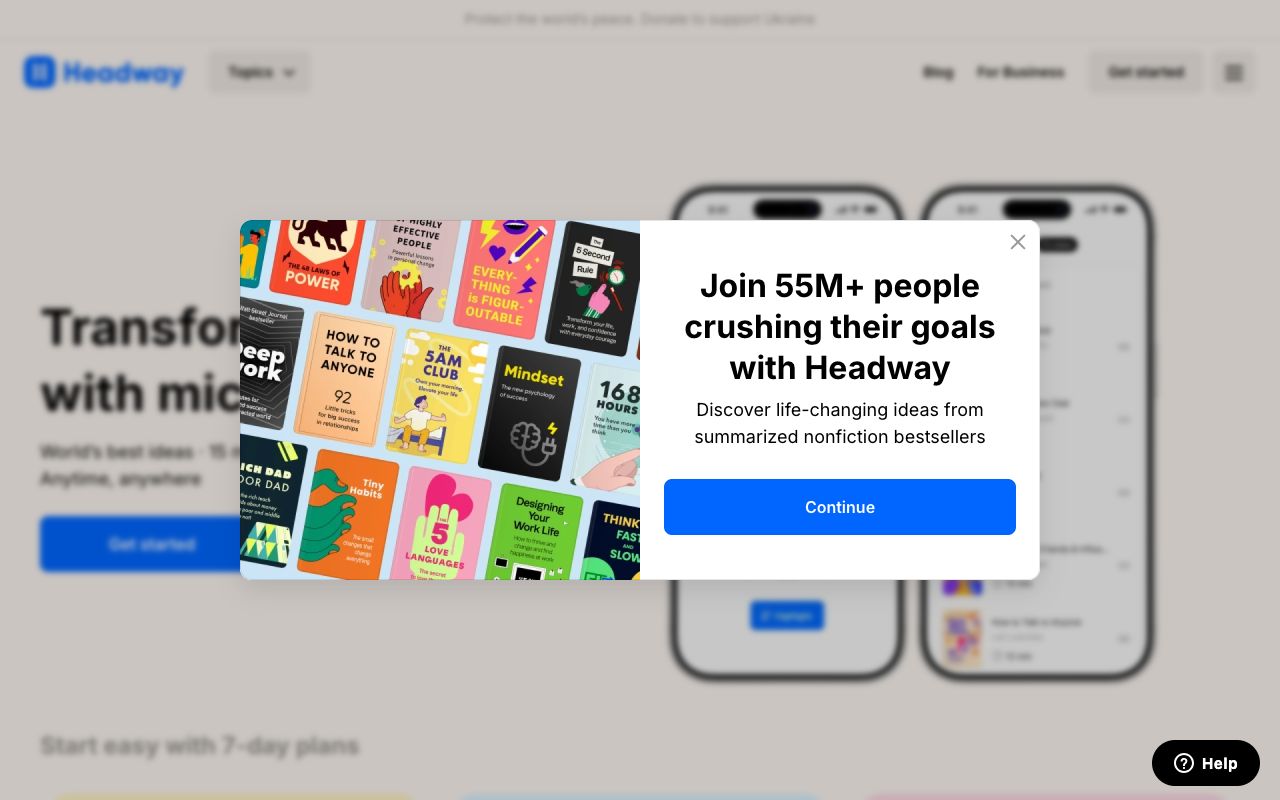
Headway condenses nonfiction books into 15-minute reads or listens. The pitch is simple: you probably have a stack of books you want to read and no time to read them. Headway gives you the key ideas in the time it takes to drink a coffee.
Honestly, summaries can't replace reading the actual book. A 15-minute version of Thinking, Fast and Slow misses most of what makes it valuable. But for books where you mainly want the actionable takeaways (productivity, business, health) the format works. And the free tier is more generous than Blinkist's: one full summary per day plus unlimited Shorts (bite-sized clips).
What stands out:
- More generous free tier than competitors: unlimited Shorts plus one full summary daily
- Audio format fits into commutes, walks, or coffee breaks
- Gamified learning with challenges and visual progress
- Covers business, psychology, productivity, health, and relationships
Best for: People who want to read more but realistically won't finish 20 books this year. Good for getting exposure to ideas and deciding which books deserve a full read.
What's missing: Some books lose critical nuance in condensed form. Premium is expensive at $89.99/yr. If you love reading, you probably don't need this.
10. Habitica: Best for Gamified Self Improvement
Platforms: iOS, Android, Web | Price: Free (optional subscription $4.99/mo)
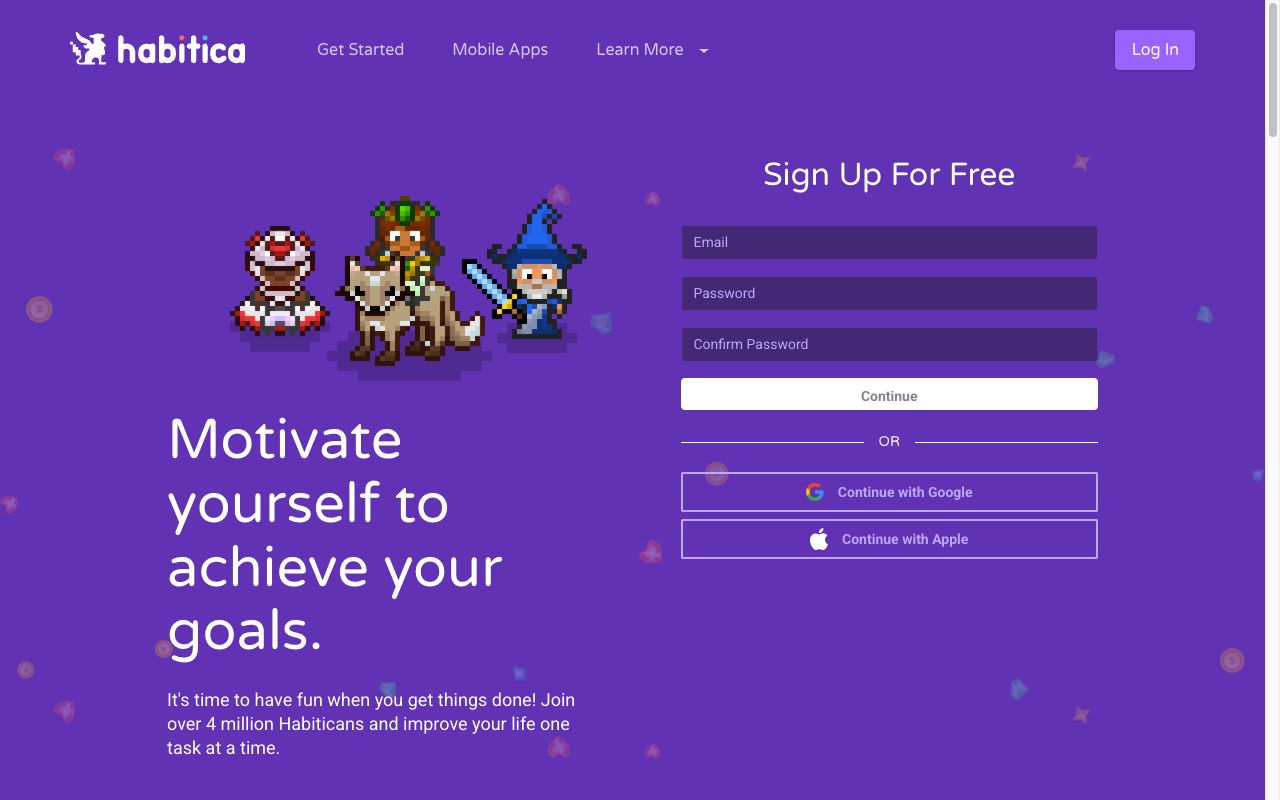
Habitica turns your entire life into an RPG. Your habits become quests. Completing them earns gold and experience. Missing them costs your character health. You can join parties with friends and fight bosses together. When one person in the party misses their habits, everyone takes damage.
That party mechanic is genuinely clever. It's social accountability that actually works because letting your friends' avatar lose health feels bad in a way that "letting yourself down" often doesn't. For people who respond to game mechanics, nothing else comes close.
The honest caveat is that gamification has a shelf life. The novelty of leveling up your warrior wears off after a few months for most people. And the punishment mechanics (losing health, losing streaks) can make a hard week feel worse. Habitica is motivating when things are going well and punishing when they're not. That's worth knowing before you commit.
What stands out:
- Full RPG: character customization, equipment, pets, boss battles
- Party system: your friends take damage when you skip habits
- Supports habits, dailies, and to-dos in one system
- Most features available on a genuinely generous free tier
- Active community with guilds and challenges
Best for: People who respond to game mechanics and want social accountability. The party system is the best accountability feature on any habit app.
What's missing: Punishment mechanics that can backfire during tough periods. Cluttered interface. No goal-linking or deeper analytics. It tracks what you did, not whether it's working.
Quick Comparison
| App | Category | Price | Free Tier | Platforms |
|---|---|---|---|---|
| Keel | Habit tracking | Free | Full app | iOS, Web |
| Headspace | Meditation | $69.99/yr | Trial only | iOS, Android, Web |
| Insight Timer | Meditation | Free | 100K+ meditations | iOS, Android, Web |
| Finch | Mental health | Free | Full app (no ads) | iOS, Android |
| Day One | Journaling | $34.99/yr | Limited | iOS, Android, Mac, Web |
| Daylio | Mood tracking | $35.99/yr | Core tracking | iOS, Android |
| Forest | Focus | $3.99 | N/A (one-time) | iOS, Android |
| Fabulous | Routines | ~$39.99/yr | Limited | iOS, Android |
| Headway | Learning | $89.99/yr | 1 summary/day | iOS, Android |
| Habitica | Gamified habits | Free | Most features | iOS, Android, Web |
What Is the Best Self Improvement App?
The honest answer is that it depends on what's actually broken.
If you keep starting habits and quitting, the problem is your tracking system. Try Keel or Habitica.
If you're stressed and can't sleep, skip the habit tracker and try Headspace or Insight Timer.
If you don't understand your own mood patterns, Daylio will show you things about yourself you can't see in real time.
If your phone is the problem, Forest is the solution.
If you don't know where to start at all, Fabulous will tell you.
The wrong answer is "all of them."
Don't Build a Collection, Build a System
The biggest mistake with self improvement apps is downloading five on a motivated Monday and abandoning all of them by Thursday. Every app on this list is good. Using five of them at once is a recipe for using zero.
Start with one app that addresses your biggest bottleneck. Use it for two weeks. Don't add a second until the first one is automatic. The goal is to build one sustainable practice and layer on from there, not to optimize every area of your life at once.
A system that actually works might look like this:
- Start here: A habit tracker (Keel, Habitica) to build daily consistency
- Add when ready: A meditation or focus app (Insight Timer, Forest) for mental clarity
- Add when ready: A journal or mood tracker (Day One, Daylio) for self-awareness
The apps that stick are the ones that solve a problem you already feel, not a problem an app convinced you that you have.
Pick one. Build the habit first. Stack from there.
References
-
Lally, P., van Jaarsveld, C. H. M., Potts, H. W. W., & Wardle, J. (2010). "How are habits formed: Modelling habit formation in the real world." European Journal of Social Psychology, 40(6), 998–1009. onlinelibrary.wiley.com
-
"The Science Behind Fabulous." The Fabulous. thefabulous.co
-
"About Day One." Day One. dayoneapp.com